
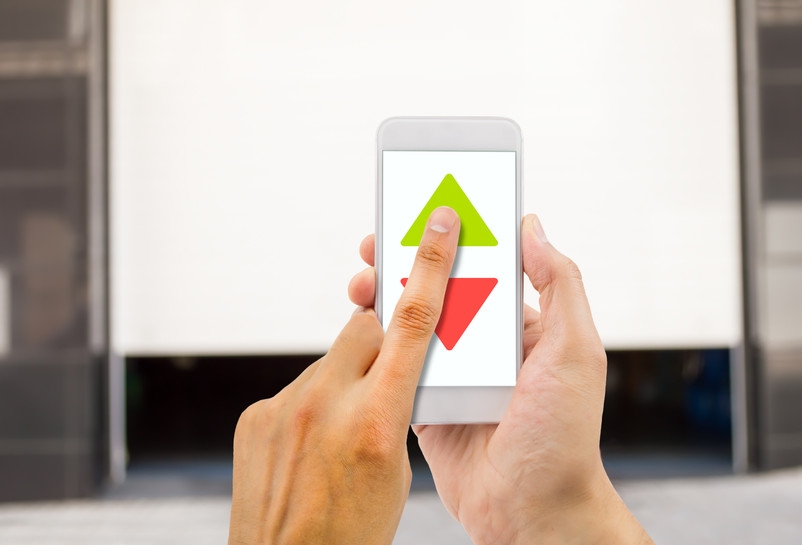
How to Control Your Garage Door Opener from Your Smartphone
We all carry our smartphones with us, so why not use them to control access to your home? At Overhead Door Parts Online, we understand that keeping track of a bulky remote or dealing with a lost clicker can be frustrating. Using your phone to open your garage door is an easy way to make your day run more smoothly.
Setting Up Your Smart Garage Door Opener
To connect your garage door to your phone, use your home Wi-Fi network. If your garage door opener is older, you might need a full replacement. On the other hand, some systems let you retrofit a device that links your opener to your router. After installing the hardware, just download the manufacturer's app to set up Wi-Fi control. The setup is usually fast and only requires basic tools.
The Benefits of Garage Door App Control
The biggest advantage here is the ability to open your garage door remotely. If a family member forgets their key or a package arrives while you are at work, you can let them in with a quick tap on your screen. Garage door automation also helps with peace of mind. You never have to wonder whether you forgot to close the door because the app lets you know the status from anywhere.
Integrating with Smart Home Systems
With Overhead Door Parts online, we recognize that a smart garage door opener can work with other devices you already have. Many models connect with Google Home or Amazon Alexa, so you can use voice commands. This setup also adds security by keeping a record of when the door opens and closes, so you always know who is coming and going.
Upgrade Your Garage Access Today
Upgrading your entry system makes your home safer and more convenient. Check out Overhead Door Parts Online to find parts and accessories that let you control your garage door with your phone.
Image credit: // Shutterstock // cunaplus